Track weekly mileage in Google Sheets
Copy your runs and paste into a spreadsheet. Distance, pace, and heart rate land in the right columns automatically.
Paste your workout data directly into Google Sheets, Excel, Notion, or share it with your doctor. No account. No subscription.
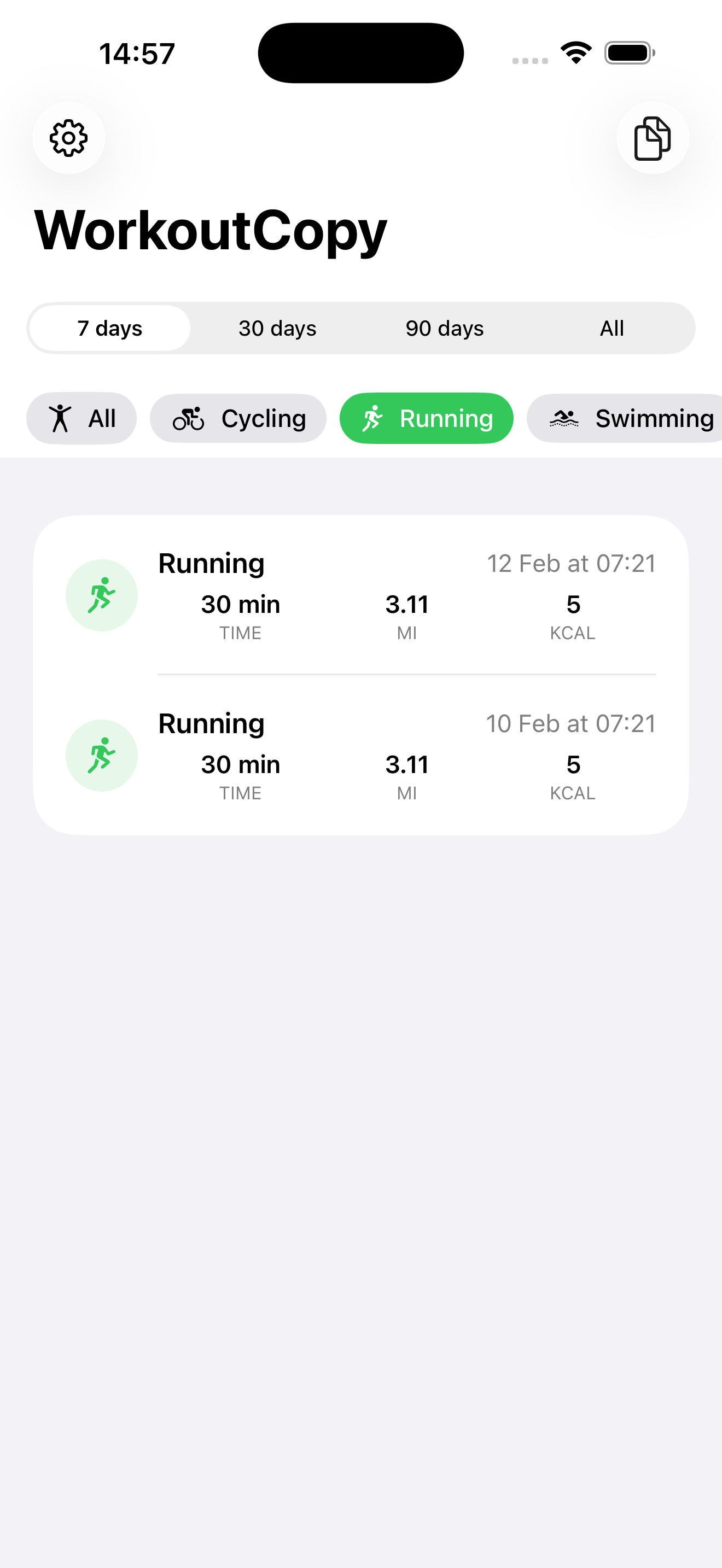
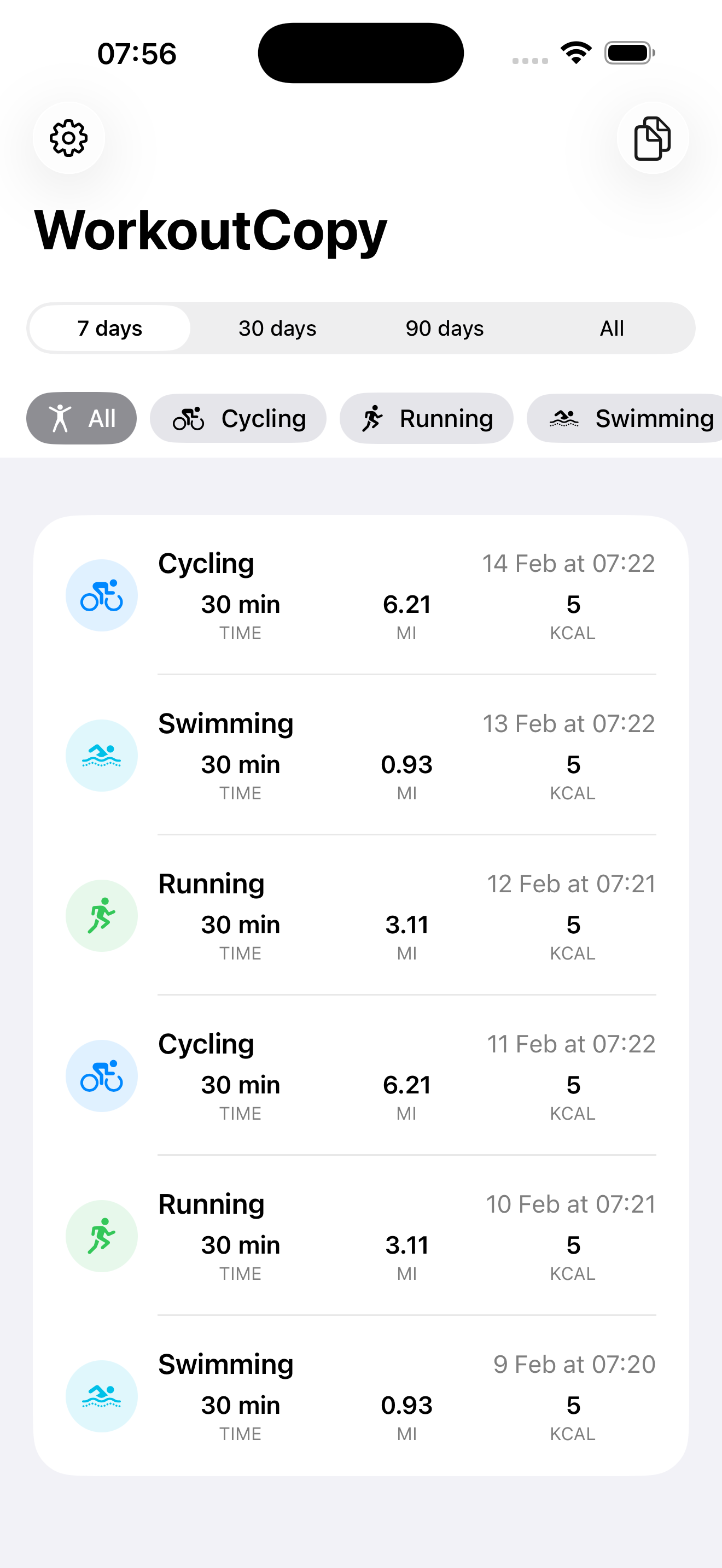
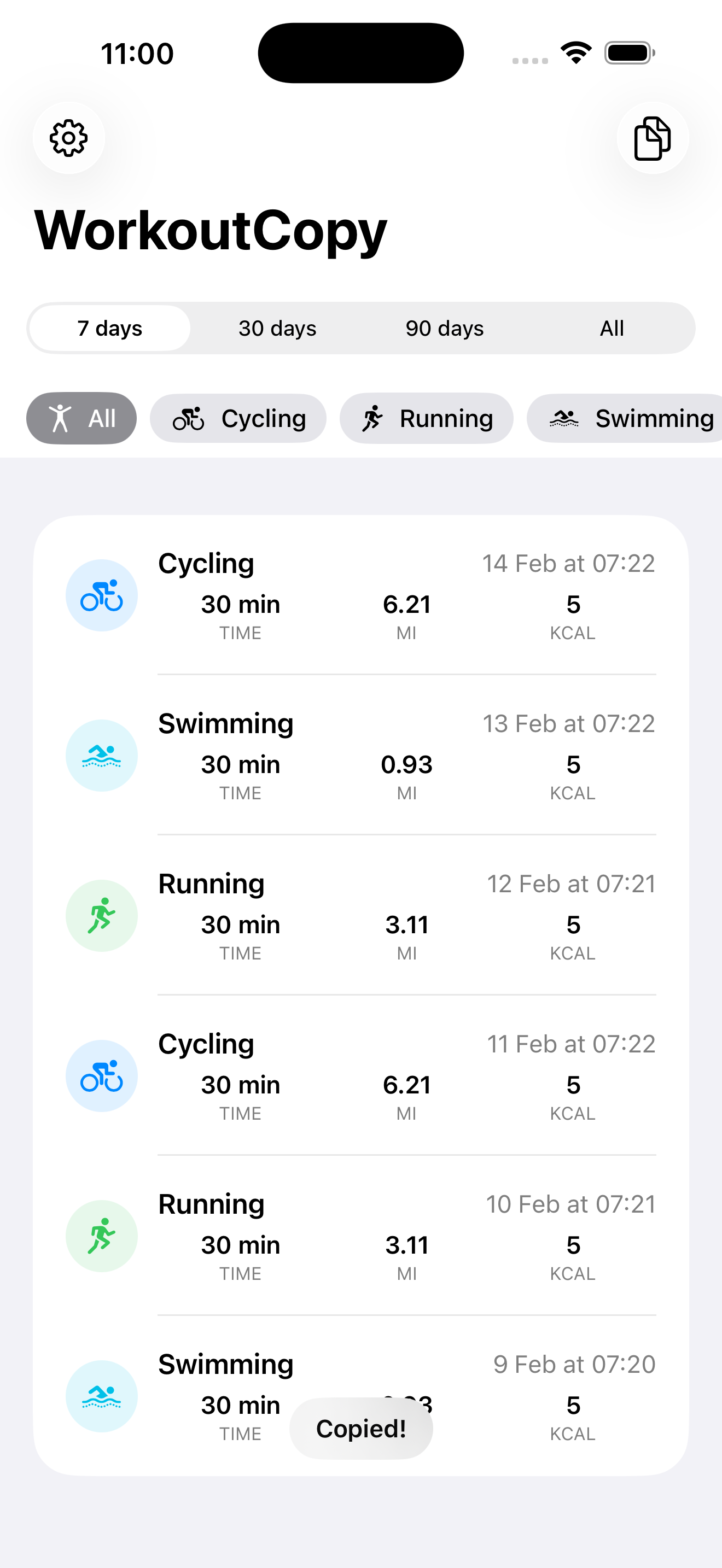
No account creation. No setup wizard. No configuration.
Tab-separated data that pastes perfectly into cells. Headers, dates, calories, distance, heart rate — one row per workout.
A clean, readable summary grouped by workout type. Copy, paste into an email or patient portal.
Copy your runs and paste into a spreadsheet. Distance, pace, and heart rate land in the right columns automatically.
Use Doctor Mode to copy a clean summary before your appointment. Paste it into an email or patient portal.
Tab-separated data pastes directly into Notion tables. Add workouts to your training database in seconds.
Export months of data at once. Build your own charts, pivot tables, and trend analysis with custom formulas.
Copy and text your workout history to your coach or physical therapist. They get a clean summary without needing any app.
No subscription. No recurring charges. Ever.
Your HealthKit workouts are read locally for export. WorkoutCopy does not upload workout contents to Pragmatiq servers.
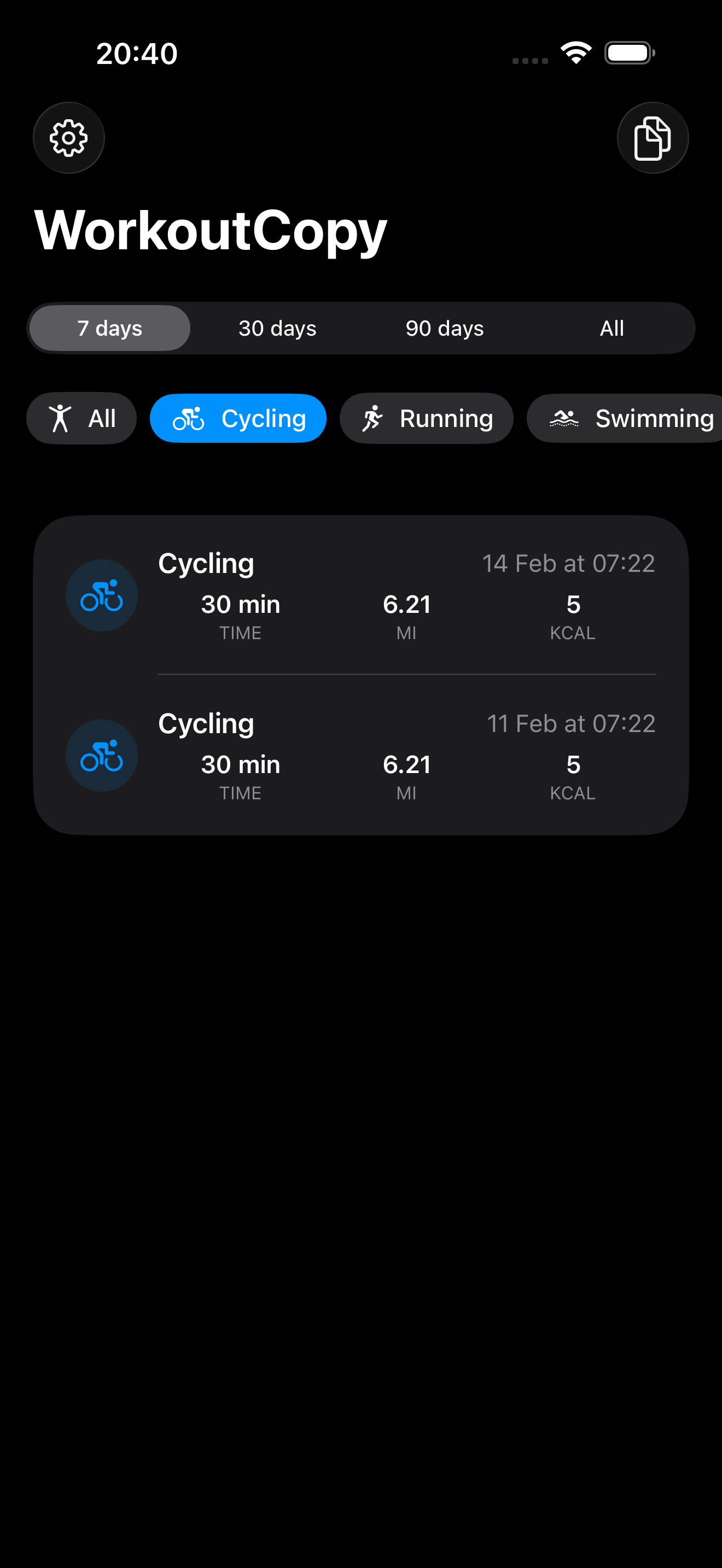
Open WorkoutCopy, select your date range, and tap Copy. Your workout data is copied to your clipboard as tab-separated values. Switch to Google Sheets, Excel, or any spreadsheet app and paste. Each workout appears as a row with headers — no file imports or CSV parsing needed.
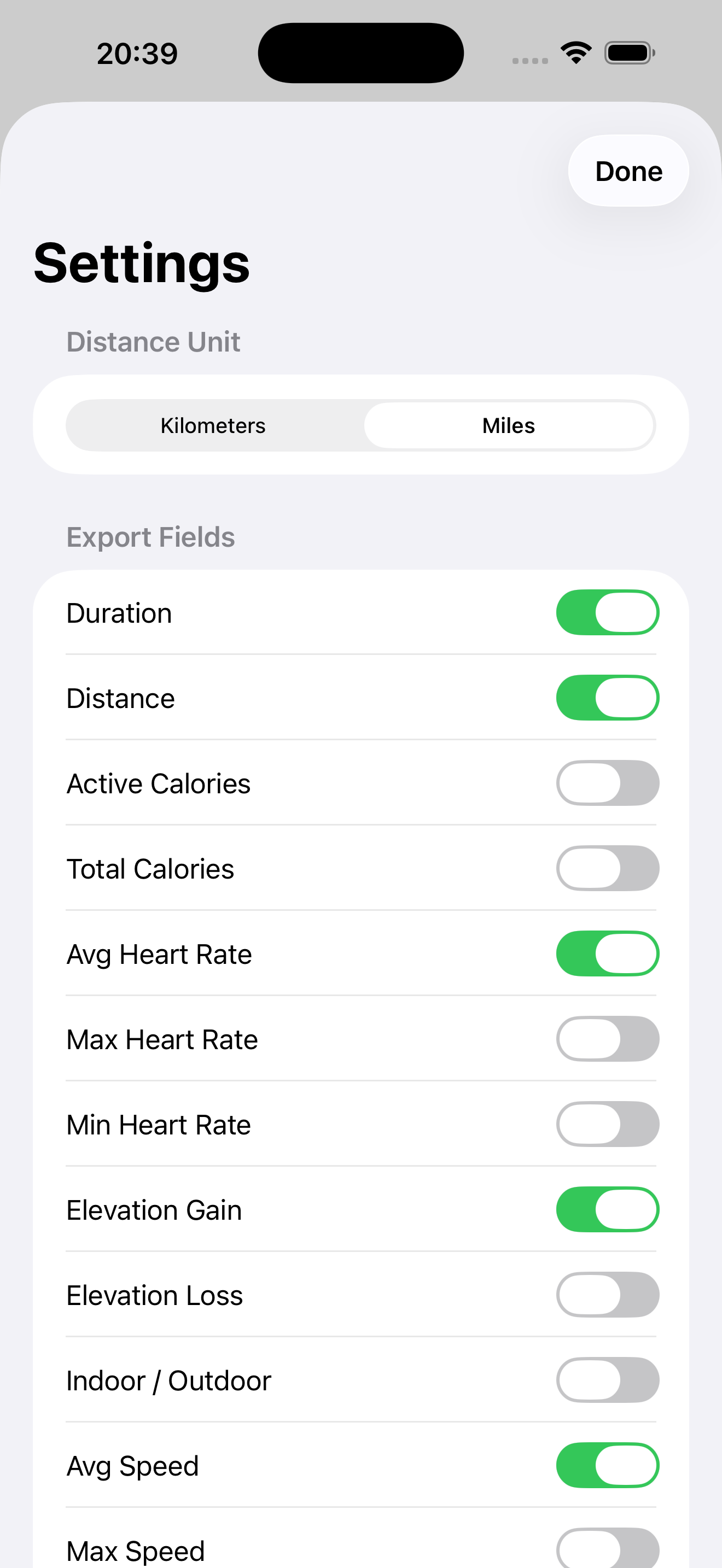
Each workout includes: date, start time, workout type, duration, active calories, total calories, distance, average heart rate, and max heart rate. You can also enable additional fields like min heart rate, elevation gain/loss, speed, step count, swimming strokes, and cycling power from Settings.
Use Doctor Mode — tap "Copy for Doctor" instead of the regular Copy button. This formats your workouts as a clean, readable summary grouped by workout type. Paste it into an email, patient portal message, or text to your doctor.
WorkoutCopy is free to use for your last 7 days of workout data with all features included. A one-time purchase of $4.99 unlocks your complete workout history and all workout type filters. There is no subscription — you pay once and own it forever.
WorkoutCopy reads HealthKit workout data locally for export and does not upload workout contents to Pragmatiq servers. No account is required; your health data leaves your device only when you choose to paste or share an export.
WorkoutCopy supports all 80+ workout types that Apple Health tracks, including running, walking, cycling, swimming, hiking, yoga, strength training, HIIT, rowing, elliptical, dance, skiing, and many more. You can filter your export to show only specific workout types.
Yes — this is exactly what WorkoutCopy is built for. Copy your workouts, switch to Google Sheets, and paste. The tab-separated format means each value lands in the correct cell automatically. Headers are included so you know what each column contains.
WorkoutCopy uses TSV (tab-separated values) instead of CSV because tabs paste directly into spreadsheet cells without any import dialogs or parsing steps. With CSV, you'd need to import the file and configure delimiters. With TSV, you just paste — and it works immediately in Google Sheets, Excel, Numbers, and Notion.
Free for your last 7 days. No account required.